Microsoft Entra (Identity and Access Management)
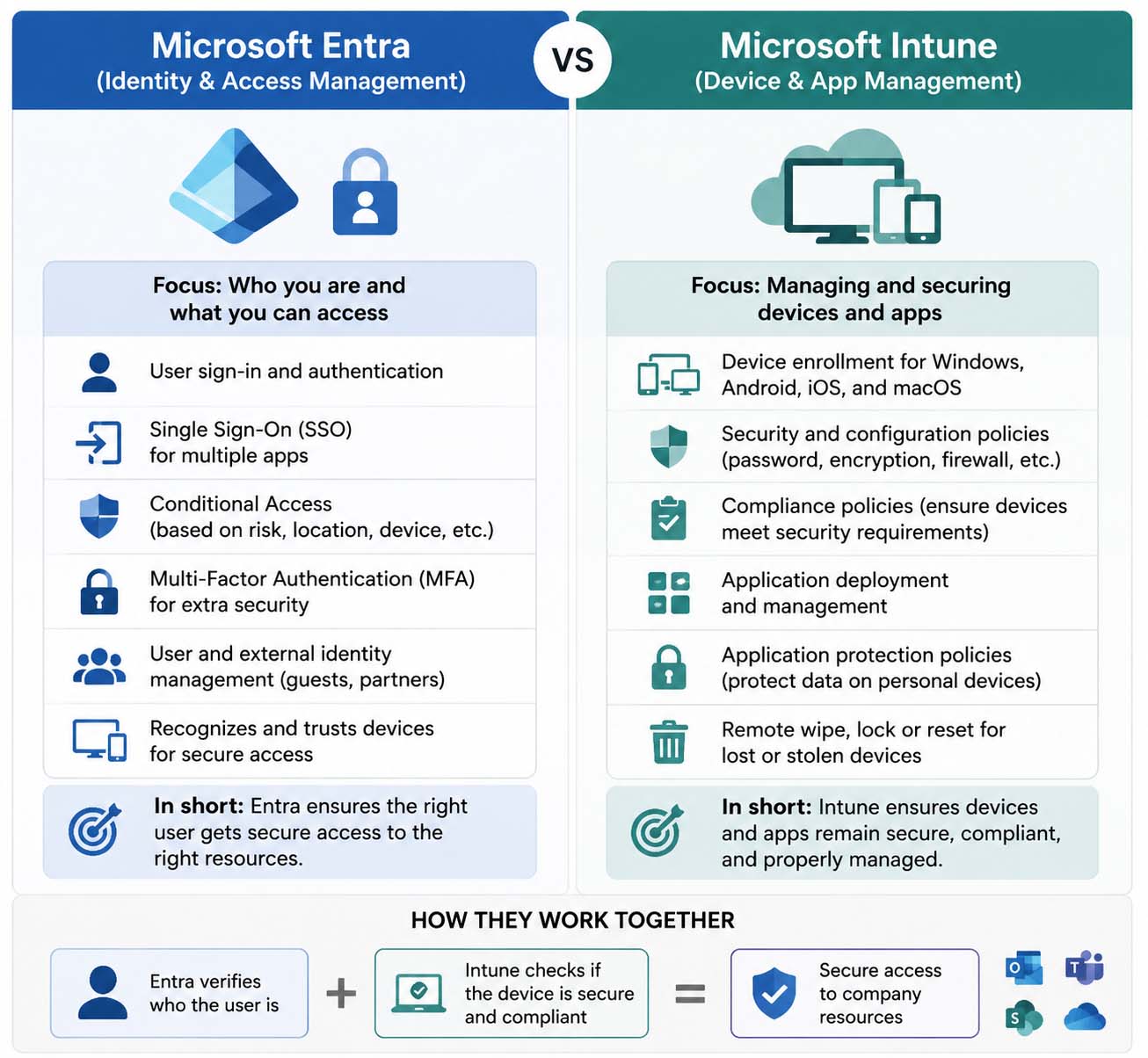
Microsoft Entra is mainly about who you are and what you can access.
Think of it as an identity security gatekeeper that controls access to organizational resources.
It helps manage:
- User sign-in and authentication
- Single Sign-On (SSO) for accessing multiple applications
- Multi-Factor Authentication (MFA) for stronger security
- Conditional Access policies (allow or block access based on risk, location, or device status)
- User and external identity management (including guest users and partners)
- Identity-based security and access control decisions
In short, Microsoft Entra ensures that only the right users can securely access the right resources.
Microsoft Intune (Device and Application Management)
Microsoft Intune is mainly about managing and securing devices and applications after users sign in.
Think of it as a device management system that ensures organizational devices and apps remain secure and compliant.
It handles:
- Device enrollment for Windows, Android, iOS, and macOS
- Security and configuration policies (password rules, encryption, firewall settings)
- Compliance policies (ensuring devices meet security requirements before access is allowed)
- Application deployment and management
- Application protection policies for securing company data on personal devices
- Remote wipe, lock, or reset of lost or stolen devices
In short, Intune ensures that devices and apps used in an organization remain secure, compliant, and properly managed.