Remote access is very important for IT administrators, but it must be done in a secure way. If admin interfaces like firewall GUI, servers, or ESXi are exposed directly to the internet, they can become easy targets for attackers.
A safer method is to use SSL-VPN with FortiClient to access internal systems securely.
Why Not Direct Access?
Accessing admin systems directly using public IP and ports (for example HTTPS login pages) is risky because:
- It can be scanned by attackers
- Login attempts can be brute-forced
- Sensitive systems become exposed to the internet
Better Solution: SSL-VPN
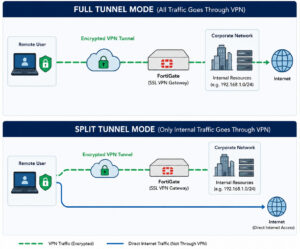
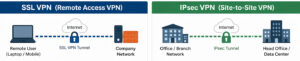
With SSL-VPN, users first connect through a secure encrypted tunnel before accessing internal systems.
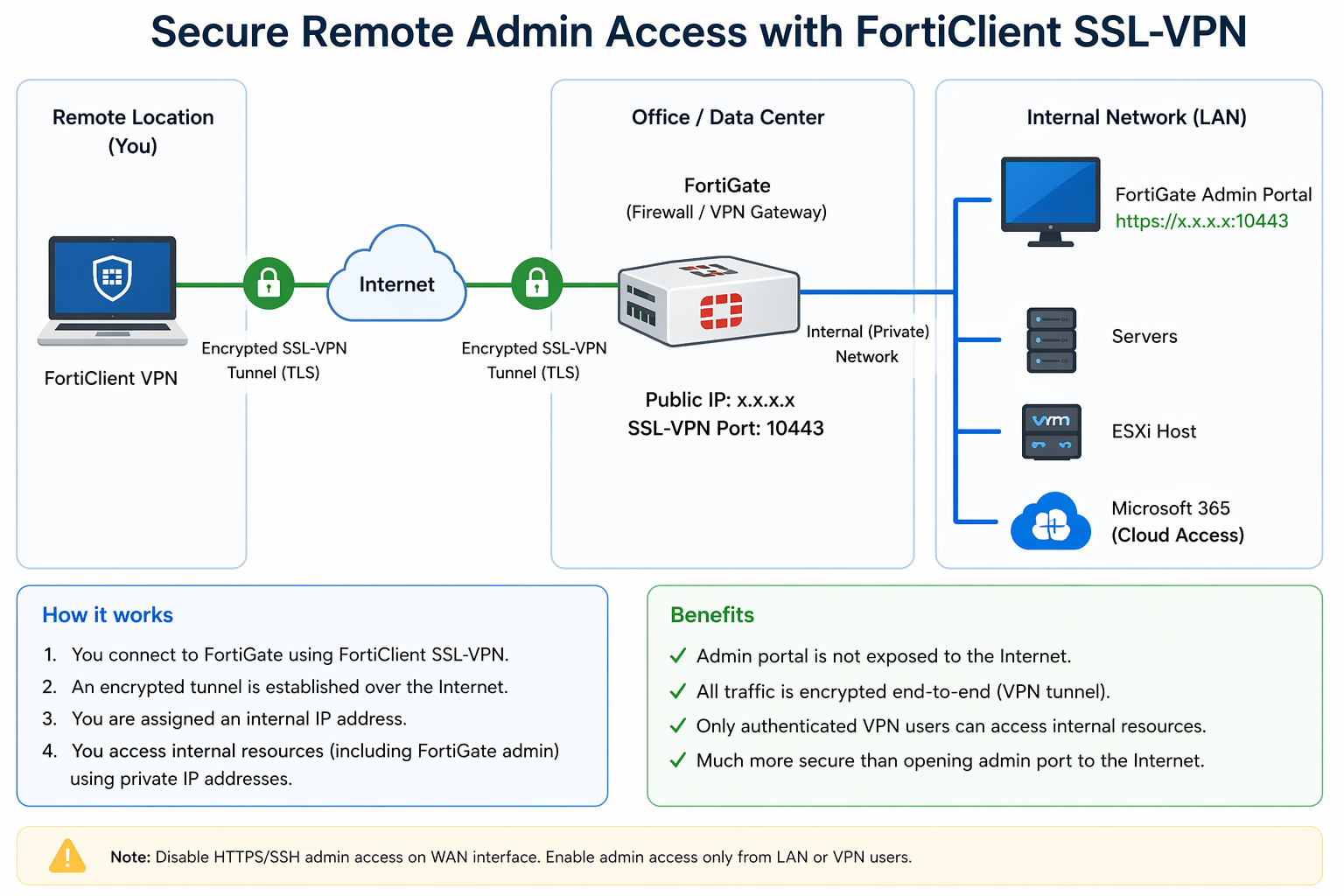
The process is simple:
- Open FortiClient
- Connect to SSL-VPN server
- Authenticate with username and password
- Access internal systems safely
All traffic is encrypted and protected.
How It Works
Internet → SSL-VPN (FortiGate) → Secure Tunnel → Internal Network → Admin Systems
Only the VPN portal is exposed to the internet. All other systems remain private.
Benefits
Using SSL-VPN with FortiClient provides:
- Secure encrypted connection
- No direct exposure of admin interfaces
- Controlled access for users
- Easier monitoring and logging
Conclusion
Using SSL-VPN is a simple and secure way to manage remote administration. It helps protect critical systems while still allowing IT teams to work from anywhere safely.